





Work Smarter, Stay Organized, and Boost Efficiency 📱⚡**
In 2025, productivity apps are no longer optional — they’re essential. Whether you’re a student, a remote worker, or someone juggling multiple responsibilities, the right apps can transform your daily routine, helping you save time and stay focused.
Here are the Top 5 Productivity Apps of 2025 that millions of users rely on every day.
1. Notion – The All-in-One Workspace for Everything 📚
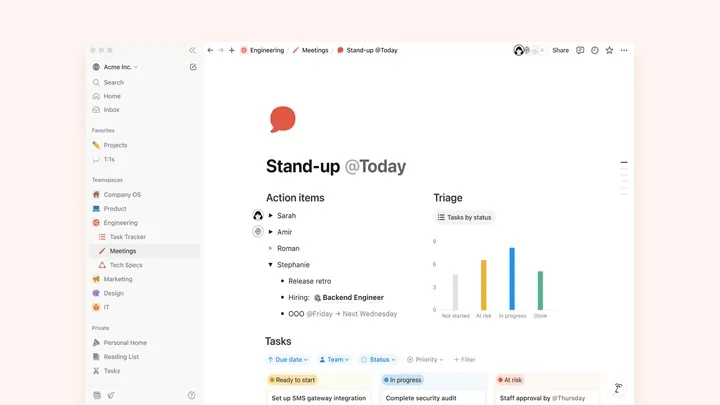
Notion remains the king of modern productivity. From notes to project management, it allows you to build your own customized workspace exactly the way you want.
Key Features
- Fully customizable pages
- Databases for tasks, projects, goals
- Real-time collaboration
- Templates for productivity, study, and planning
- Cross-device sync
Why It’s Essential
It replaces dozens of separate tools — notebooks, calendars, spreadsheets, task apps — all in one.
2. Microsoft To Do – Simple, Clean, and Highly Effective ✔️
Microsoft To Do is perfect for anyone who wants a clean, straightforward task manager without distractions.
Highlights
- Smart daily planner (My Day)
- Task lists with reminders
- File attachments
- Calendar sync
- Cloud backup via Microsoft Account
Why People Love It
Lightweight, beautifully designed, and perfect for stress-free task management.

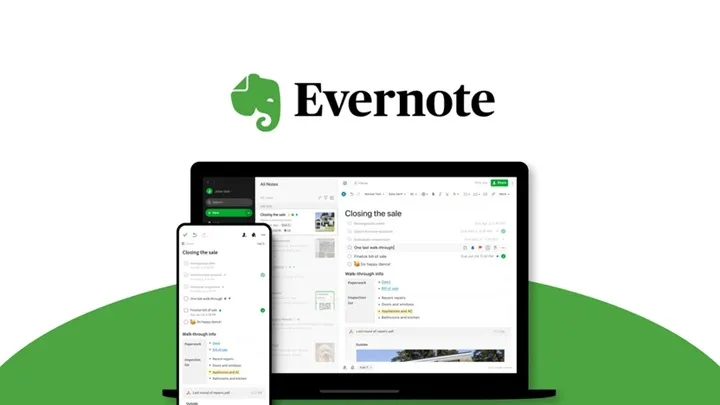
3. Evernote – Still the Best for Deep Note-Taking 📝
Evernote continues to be one of the most powerful note-taking apps, especially for long-term knowledge organization.
Top Features
- Rich text notes
- Document scanning
- Web clipping
- Tag-based organization
- Multi-device access
Why It Stays Relevant
Its structure is perfect for storing years of information without things becoming messy.
4. Google Keep – Quick Notes & Instant Reminders ⚡
Google Keep is the fastest note app for people who want something simple and quick.
Best Features
- Color-coded notes
- Voice notes that auto-transcribe
- Location-based reminders
- Drawing & checklist support
- Google ecosystem integration
Why It’s Great
Perfect for quick ideas, shopping lists, and reminders you need instantly.

5. Trello – Visual Planning Made Simple 🗂️
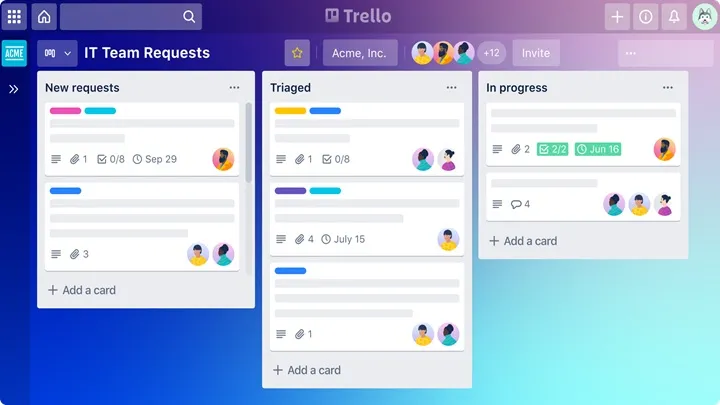
Trello is ideal for people who think visually. The card-and-board system makes planning intuitive and easy to track.
Core Features
- Drag-and-drop task cards
- Boards for projects, goals, and workflows
- Team collaboration
- Deadlines & labels
- Power-Ups for automation
Why It’s Popular
It turns even big, complex projects into easy-to-manage visual boards.
Final Thoughts
These five apps aren’t just useful — they’re productivity powerhouses.
Whether you prefer simple lists, visual boards, deep note systems, or all-in-one workspaces, this list has something for every workflow.